
A cat with main-character energy
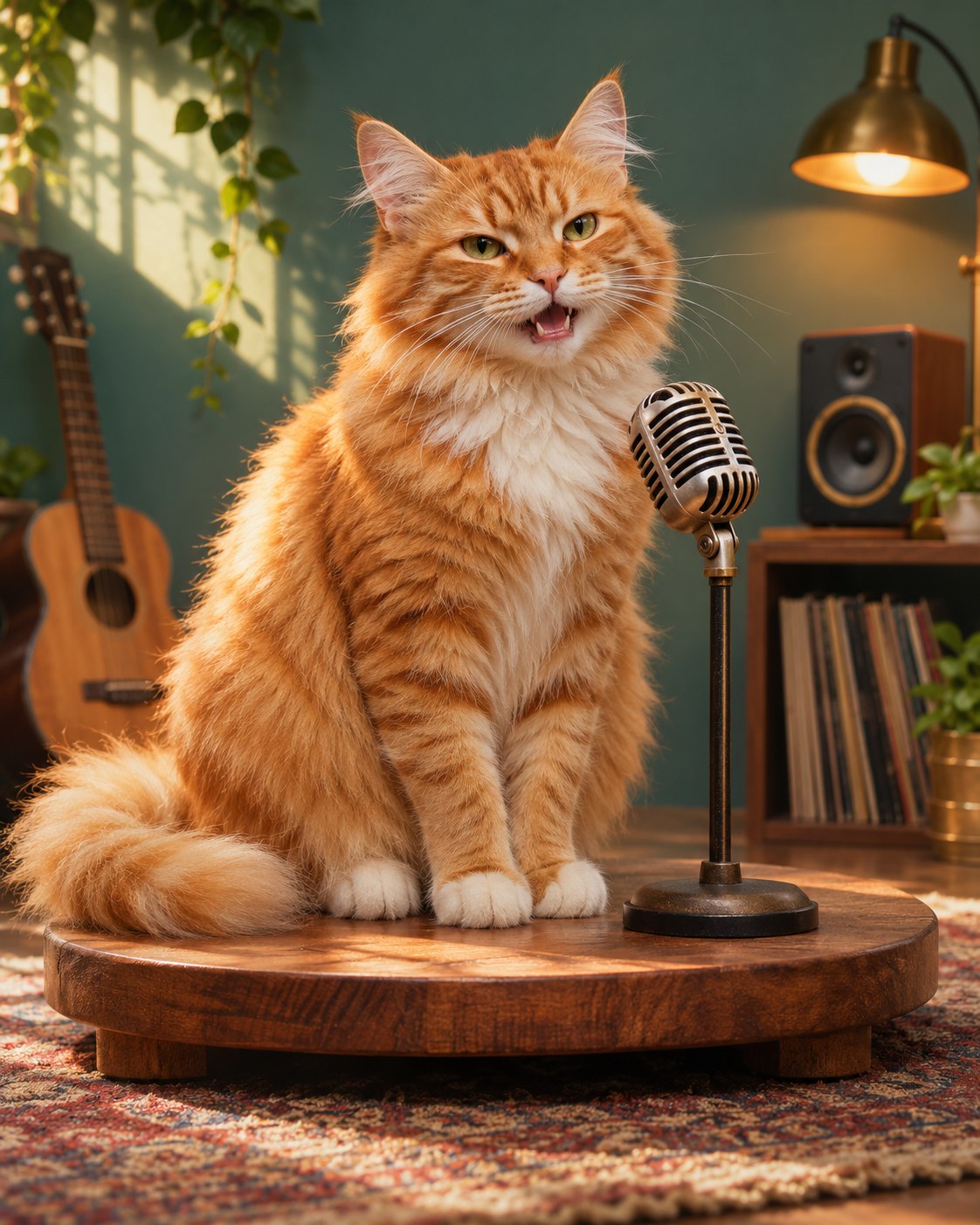
Choose the cat preset for the sofa-and-snacks verse. A photo with visible eyes, ears and muzzle gives the model a clearer reference than a tightly cropped face.
A scene. A verse. Your performance.
Give your cat or dog a rap of their own. The scene and verse are ready—add a pet photo if you want, then create without writing a word.
Sign in to generate. Review the current credit cost in the creator before submitting.
Pet rap
Use the prepared words as they are, or open the optional lyrics editor in the creator. Keep any changes short enough for your selected clip length.
These are the starting words requested from the model, not a transcript of a finished video. Delivery, pronunciation and exact wording can vary.
Tiny paws, big boss, I run this chair, Heard a snack bag? I'm already there. Sunbeam king with a slow-blink flow, One little meow and you already know.
Pet rap
Choose Cat or Dog to match the prepared verse to your pet. Cats start with sofa-owner confidence; dogs bring treats-and-walks enthusiasm. Add a photo to guide the fur and face, or create an original pet without uploading or writing anything.
Tap either personality card or use the Cat/Dog switch in the creator. The matching verse is already written. Add a clear pet photo if you want to use your own pet as the reference.
The starting setup is 12 seconds in a vertical frame. Leave it as it is or adjust the supported video settings and check the credit cost. You do not need a pet name or a description.
In My videos, check the muzzle movement, ears, markings and paws. Listen to the pet’s verse, then open the finished video to save and share it.
The cat and dog pictures are selectable scene concepts, not playable video samples. They choose the species and prepared verse; an uploaded photo guides your pet’s appearance. Fur details and mouth movement can vary in the result.
Use a well-lit photo with the muzzle, ears and markings visible. Avoid faces hidden by toys, heavy blur or several animals overlapping.
Cat comes with a sofa-boss verse; Dog comes with a treats-and-walks verse. Switching species also switches untouched preset lyrics automatically.
Start with 12 seconds and a vertical frame. Review the finished mouth movement and identity before sharing; the scene images here are concepts, not generated-video samples.
Choose the cat preset for the sofa-and-snacks verse. A photo with visible eyes, ears and muzzle gives the model a clearer reference than a tightly cropped face.
Choose the dog preset for the treats-and-walk-time verse. Use a single pet in the photo, with its head unobstructed by toys or a person’s hand.
Cat is selected and the verse is ready. Add a clear photo to use your cat as the reference, or leave it empty for an original cat. No name, habit or lyrics to write.
Yes. Choose Dog to switch the scene and preset verse. Your own edited lyrics are preserved; Use the preset words restores the selected pet’s default verse.
Use Add a companion to include a second photo. The pet remains the lead, with the companion joining through reactions and gestures.
The preset gives the pet an original character voice over a bouncy beat. Cat has a confident sofa-owner verse; Dog has an eager treats-and-walks verse. You do not need to record any sounds. Check the generated voice and mouth movement before sharing.
JPG, PNG and WebP are supported, up to 20 MB per image. Use a clear photo with the subject easy to see. Photos are optional, and you should only upload images you have permission to use.
The creator shows the current credit cost for your selected model, resolution and duration. Check that amount before creating; changing the settings can change the cost. You can explore the preset before signing in, but generation requires an account and enough credits.
Credits used for a generation are returned when the task is confirmed failed. An uncertain or pending task is checked again rather than treated as a failure. Open My videos and refresh the original task before starting another one. If it asks for manual review, contact support with the task details.
Open My videos in the creator to check progress and recent tasks for your signed-in account. Once a video is ready, play it in the result panel, then use Open video to save it through your browser. If saving is still in progress, follow the displayed status and refresh the task.
Choose the matching preset and create. The verse is ready whether you add a photo or use an original pet.