
Diss track: one performer
The performer delivers the whole verse. The other person can simply be the subject of a friendly joke, such as always arriving late or guarding the last slice of pizza.
A scene. A verse. Your performance.
A playful roast, a spotlight scene and one lead performer. The verse is ready, so you can create without writing a punchline.
Sign in to generate. Review the current credit cost in the creator before submitting.
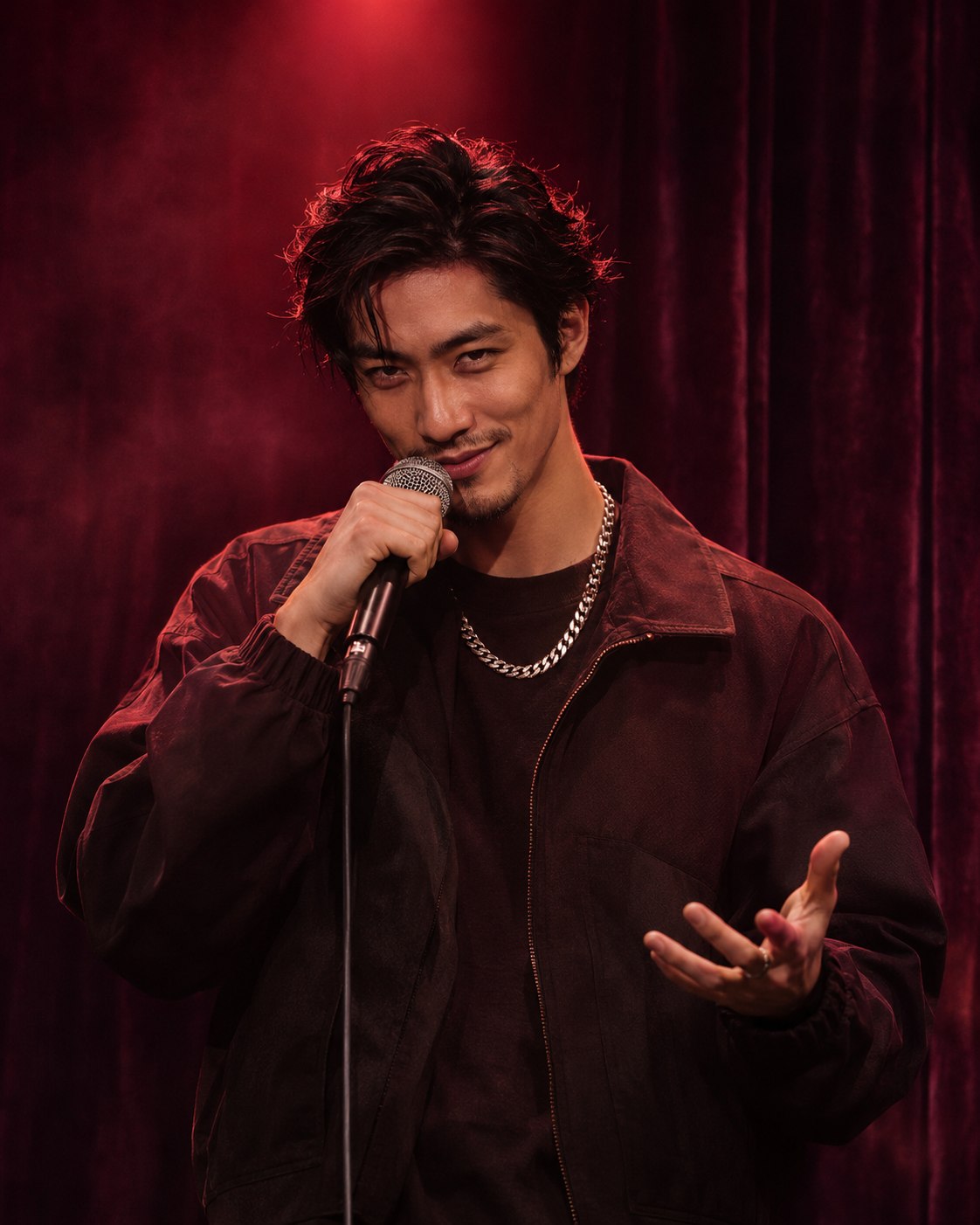
Diss track
Use the prepared words as they are, or open the optional lyrics editor in the creator. Keep any changes short enough for your selected clip length.
These are the starting words requested from the model, not a transcript of a finished video. Delivery, pronunciation and exact wording can vary.
You said “five minutes,” that was half an hour, Big talk on arrival, zero staying power. Your “on my way” deserves a trophy on the shelf, Even your alarm gave up and snoozed itself.
Diss track
The included verse roasts the friend who is always “five minutes away.” One performer delivers the joke under a burgundy spotlight. Use the preset as it is; no target name, habits or punchlines to fill in.
The joke and punchline are already written. Add a portrait of whoever should perform, or use an original character. The person being teased does not need to appear.
Keep the 12-second preset for a compact setup and punchline. Video settings let you change the supported duration, ratio or quality; the credit cost updates with your choices.
Open the result in My videos and listen to the complete joke before sharing it with a friend. Check the wording and expression together, then open the video to save it.
This is a solo performance preset, with a burgundy spotlight and a playful delivery. The cover is a scene concept; it does not demonstrate a finished video or guarantee the exact gesture on the final line.
The performer delivers the whole verse. The other person can simply be the subject of a friendly joke, such as always arriving late or guarding the last slice of pizza.
Use the battle creator when you want the other MC to answer. It has a separate opening and reply instead of one uninterrupted roast.
Try a two-person rap battleUpload the person who will perform. Do not use the target’s photo unless you actually want them on screen. The preset also works with an original character.
The prepared verse turns a friend’s legendary lateness into a playful roast. It has a setup and a final punchline, with no target details required.
The default is 12 seconds. A short setup and a final punchline fit better than a list of complaints. Check the result before sending it to someone.
Keep the joke about a harmless habit everyone already laughs about. Read any optional lyric edits aloud before generating, and share privately first.
Use the preset performer without photos for a fictional rivalry. Choose Rap Battle instead if the other side needs its own reply.
A short video of one performer delivering the prepared latecomer roast, with original rap vocals and accompaniment.
No. You can create with no photos. If you add a portrait, use the person who should perform; the person being teased does not need to appear.
A diss track gives one performer the lead. A rap battle has two MCs taking turns with an opening and a reply; use the separate battle creator for that format.
It creates a short video with original rap vocals and accompaniment. One lead performer delivers the prepared roast. For a reply from a second MC, use the Rap battle creator instead.
JPG, PNG and WebP are supported, up to 20 MB per image. Use a clear photo with the subject easy to see. Photos are optional, and you should only upload images you have permission to use.
The creator shows the current credit cost for your selected model, resolution and duration. Check that amount before creating; changing the settings can change the cost. You can explore the preset before signing in, but generation requires an account and enough credits.
Credits used for a generation are returned when the task is confirmed failed. An uncertain or pending task is checked again rather than treated as a failure. Open My videos and refresh the original task before starting another one. If it asks for manual review, contact support with the task details.
Open My videos in the creator to check progress and recent tasks for your signed-in account. Once a video is ready, play it in the result panel, then use Open video to save it through your browser. If saving is still in progress, follow the displayed status and refresh the task.
Make the prepared solo roast, with or without a portrait. You can leave every word as it is.